A CRM your team will actually keep up to date
Leads, companies and deals live in one pipeline, each with an owner and a next step. Save a contact from LinkedIn in one click and the first follow-up is drafted before you open it.
What you get
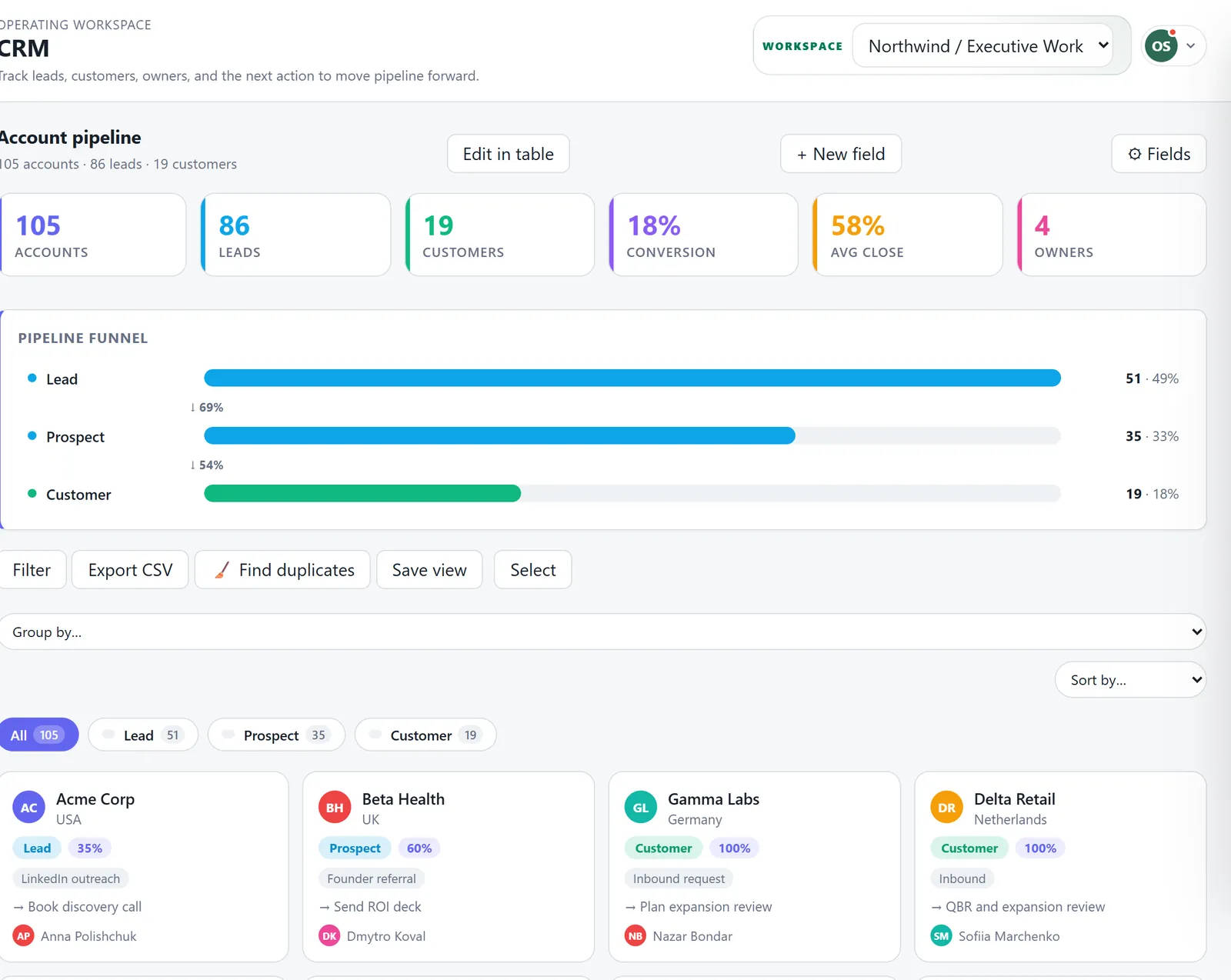
A pipeline you can read at a glance
Accounts move from lead to prospect to customer, with the conversion between stages on the funnel. Deals carry a value, a stage and a probability, so the forecast is a number, not a guess.
Capture from LinkedIn and the web
The Chrome extension saves a profile to the CRM in one click, and can capture a page of LinkedIn or Sales Navigator search results. Contacts already in the CRM are matched and skipped.
The first follow-up, already drafted
When a new lead is saved, Ordelume writes the first message from what it knows about them and puts it in your queue. It is never sent on its own.
Know when people change jobs
Watch the companies you sell to. When someone leaves, Ordelume checks their profile, and once the new employer is confirmed it adds them to the CRM so you can reach them there.
Calls turned into notes
Upload a call recording and get the objections, the pains in the customer's own words, coaching notes and next steps, filed as a document with the account.
Clean data, your way
Find duplicates, add your own fields, save filtered views and export any list to CSV.
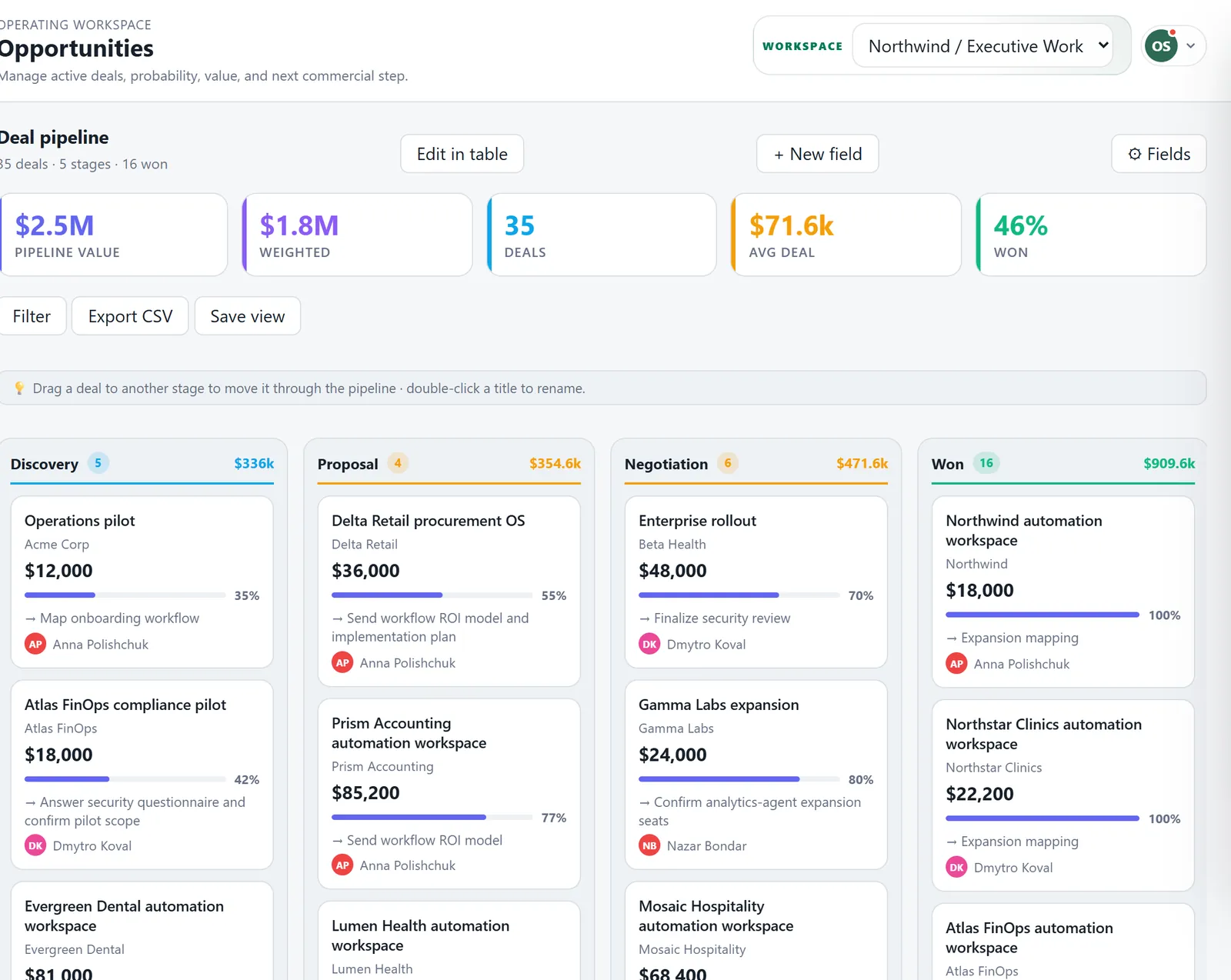
Deals by stage
Drag a deal to the next stage. Each column shows its total and weighted value, and won deals feed the finance view.
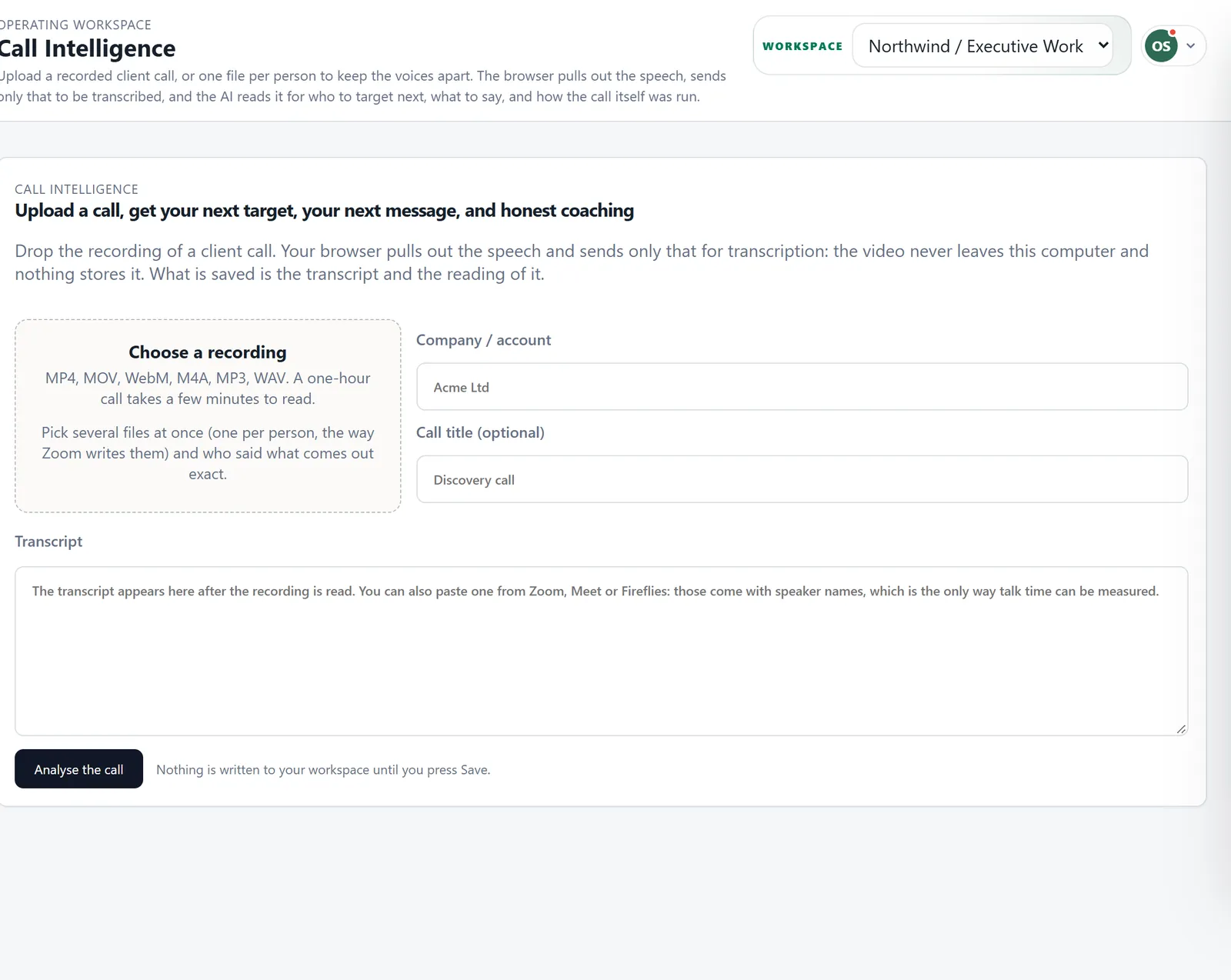
Call intelligence
Drop in an MP4, MP3 or WAV from Zoom, Meet or a phone call. Your browser pulls out the speech and sends only that for transcription; the video never leaves your computer.
Questions
Can I bring in my existing contacts?
Yes. HubSpot syncs both ways, and LinkedIn contacts come in through the extension. During the beta, send me a spreadsheet and I will import it for you.
Is LinkedIn capture safe for my account?
It reads only the page you have open, at a human pace, from your own browser. Nothing runs on a server under your login. Any automation on LinkedIn carries some risk, so keep volumes modest.
Do I have to leave HubSpot?
No. Many teams keep HubSpot and let Ordelume sync with it, then decide later.
Want to try it with your team?
Join the beta and I will write to you with an invite. Or book half an hour and I will show you around the product.